What's free and what Buddy+ adds
Live captions are free and unlimited, with no trial needed. Buddy+ is an optional subscription that adds name and question taps, summaries, notes, translation, more Enhanced Accuracy time and more.
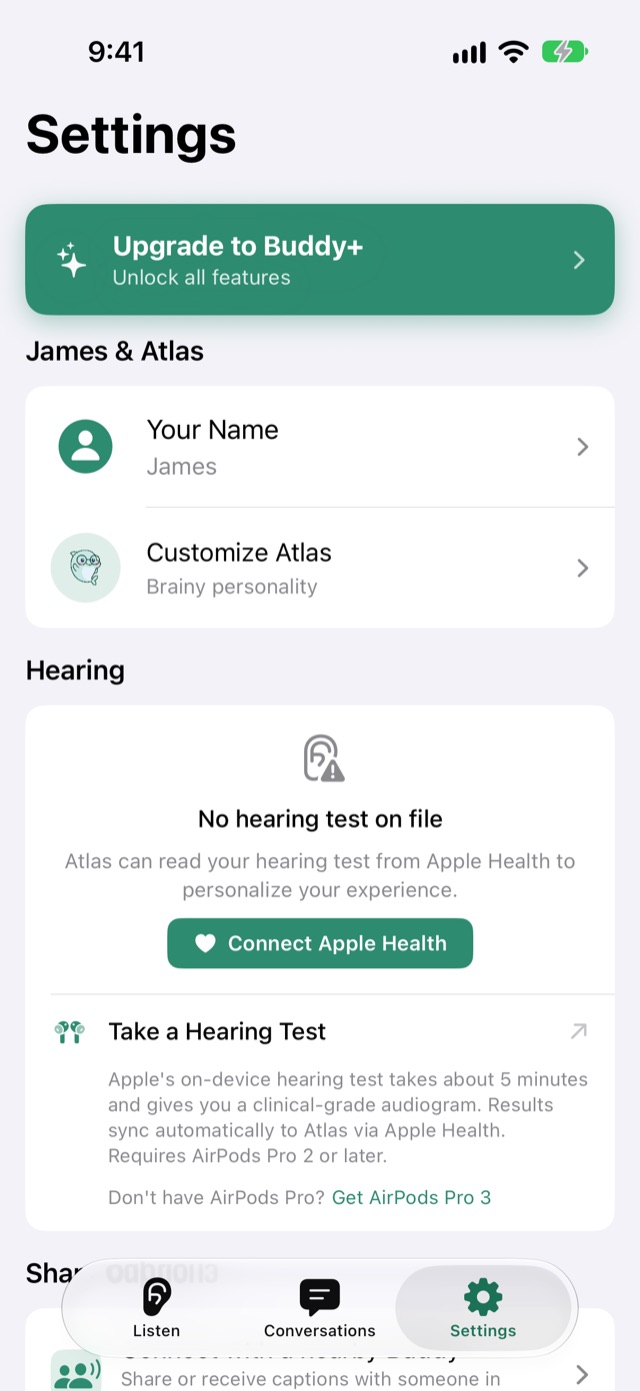
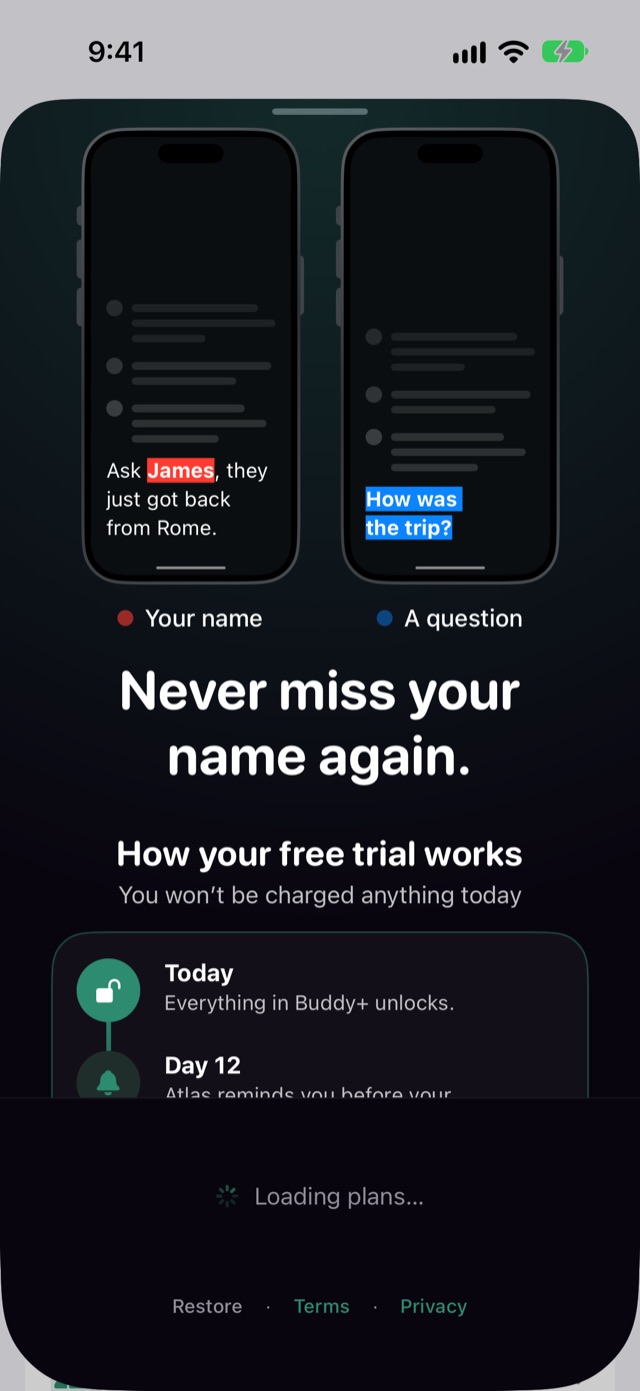
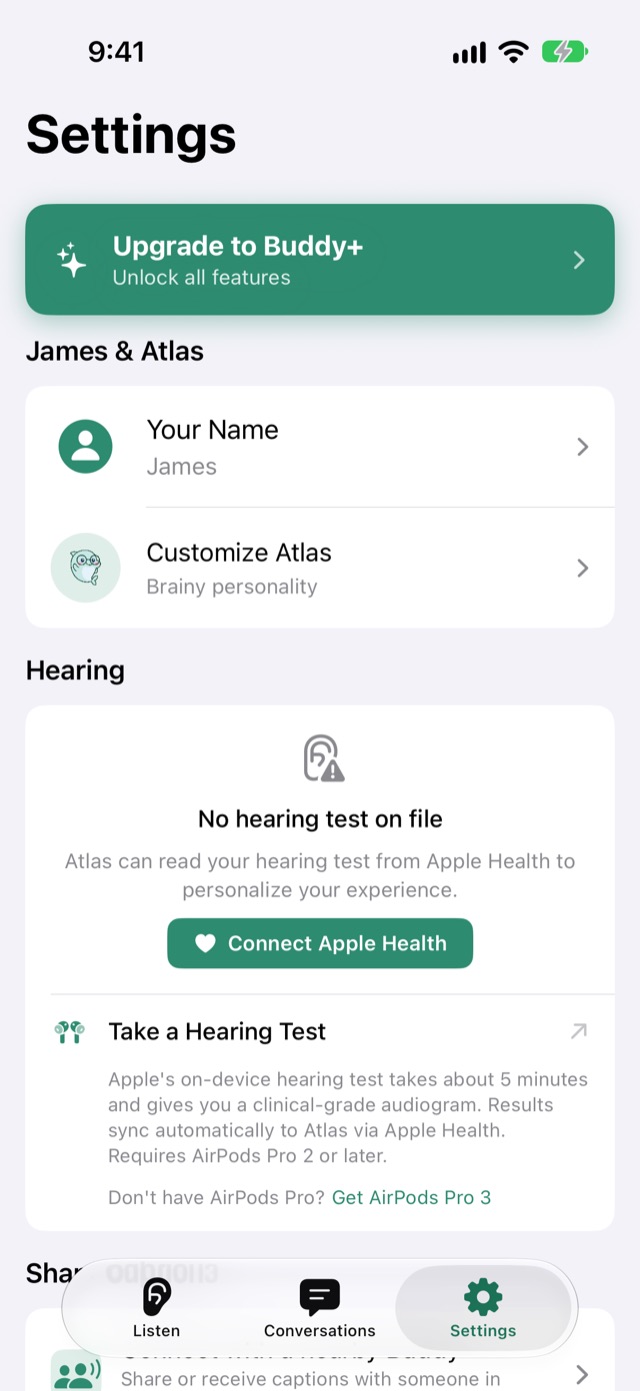
Step 1 of 3
Buddy+ is optional. This walkthrough opens the Buddy+ screen from Settings to show how to close it.
All steps as text
- Buddy+ is optional. This walkthrough opens the Buddy+ screen from Settings to show how to close it.
- To keep using Hearing Buddy free, swipe the Buddy+ screen down.
- You're back in the app. Live captions stay free. Tap Listen and your buddy to start.
Hearing Buddy's live captions are free and unlimited. You never have to pay to caption conversations on your iPhone. Buddy+ is an optional subscription that adds extra features on top. If you see the Buddy+ screen and don't want it, close it and keep using captions for free.
Keep using the free version
When the Buddy+ screen appears, you don't have to choose a plan:
- Tap the X in the top corner of the screen, or
- If there's no X, swipe the screen down.
You'll go straight back to Hearing Buddy. Live captions keep working, with no time limit.
Note: The Buddy+ screen may appear now and then, for example during setup or after a conversation. You can close it every time. Nothing is charged unless you choose a plan and confirm with Apple.
Free for everyone
- Unlimited live captions on your iPhone or iPad
- Saved conversations, with search, sharing and no limit on how many you keep
- Share Captions, so people nearby can read along on their own phones, including translating shared captions into your language
- 30 minutes of Enhanced Accuracy to try cloud captions in noisy places (one time)
- Caption options like text size, caption language, and the Lock Screen Live Activity
- Siri, widgets and Control Center shortcuts
- Hearing Buddy for Mac: captions plus meeting notes, recaps and answers on your Mac
Important: The iPhone 11 family, iPhone SE (2nd generation) and iPad (9th generation) can't make captions on the device itself. On those devices, captions come from Enhanced Accuracy, which uses your Enhanced Accuracy time. See Captions don't appear.
What Buddy+ adds
- Name and question taps: your buddy taps you when someone says your name or asks a question
- Summaries while you listen, so you can catch up at a glance
- Buddy's Notes after a conversation, on supported iPhones
- Translation of your own captions as you listen
- More Enhanced Accuracy time, plus the option to buy extra hours
- Apple Watch taps
- More buddies to choose from
- Boost Audio for headphones
See How Enhanced Accuracy time works for how many hours each plan includes.
How the free trial works
Some plans start with a free trial. The Buddy+ screen shows how long the trial lasts and what you'll pay after it, before you confirm.
- You won't be charged during the trial.
- If you don't cancel at least 24 hours before the trial ends, Apple starts the subscription and charges you.
- Each Apple Account can get only one free trial of Buddy+.
- If you allow notifications, Hearing Buddy can remind you two days before your trial ends.
To stop a trial, see Cancel your Buddy+ subscription or free trial. If you were charged when you didn't expect it, see Why was I charged?
Already paid but features look locked?
See Restore Buddy+ after reinstalling, on a new phone, or if features look locked.
Last updated November 24, 2026.
Still need help?
Email [email protected]. A real person on our small team reads every message.